Smart personal finance app

Manage income, expense, udhar-jama, milk and shop accounts in one powerful app

Aavak Javak helps you save every rupee entry, understand reports, set reminders, share account details, export to Excel, print reports and optionally keep backup in Google Drive.

100% Free AppUse core features at no cost
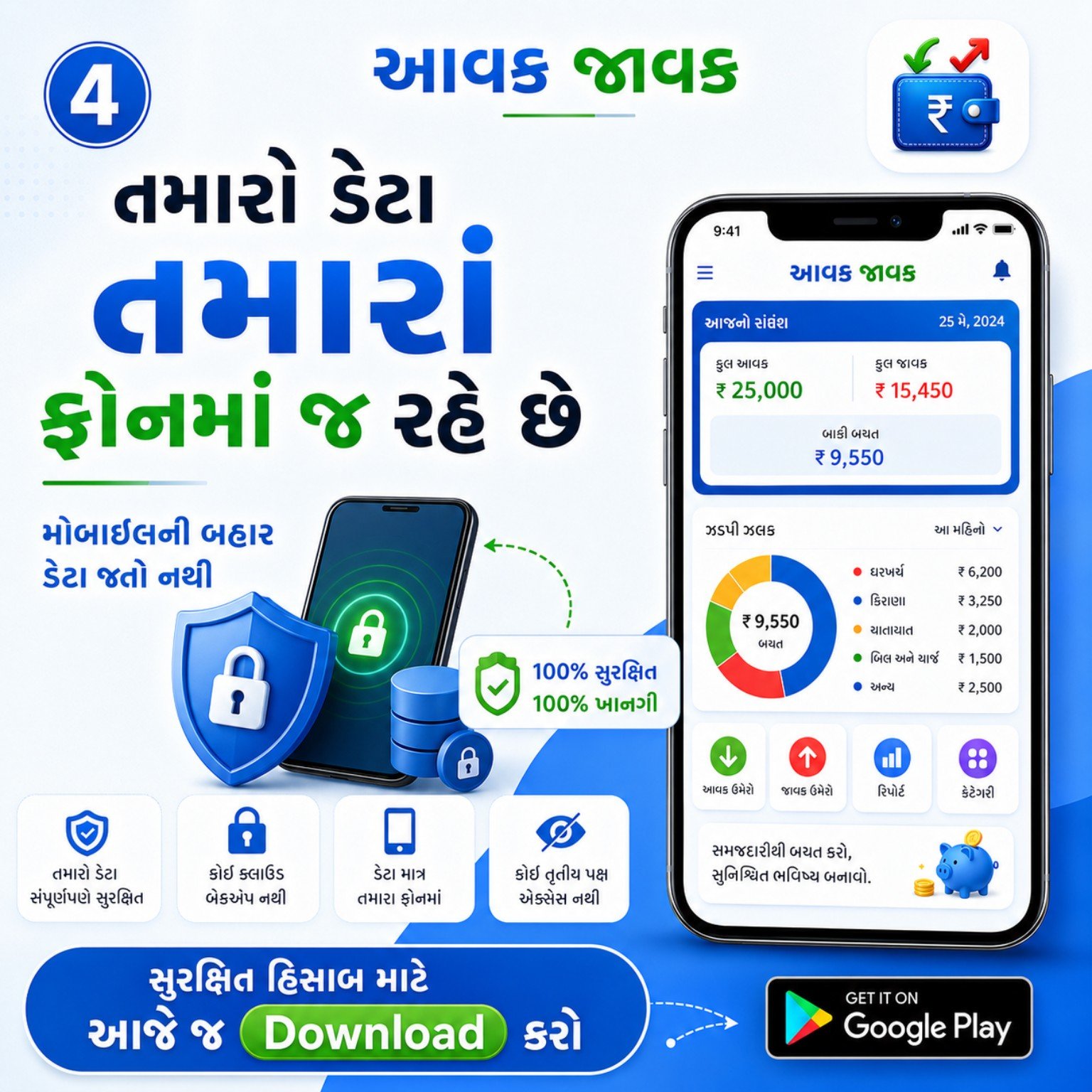
Local Data SafetyYour important account data stays on your phone
Smart RemindersNever forget daily entry or milk entry
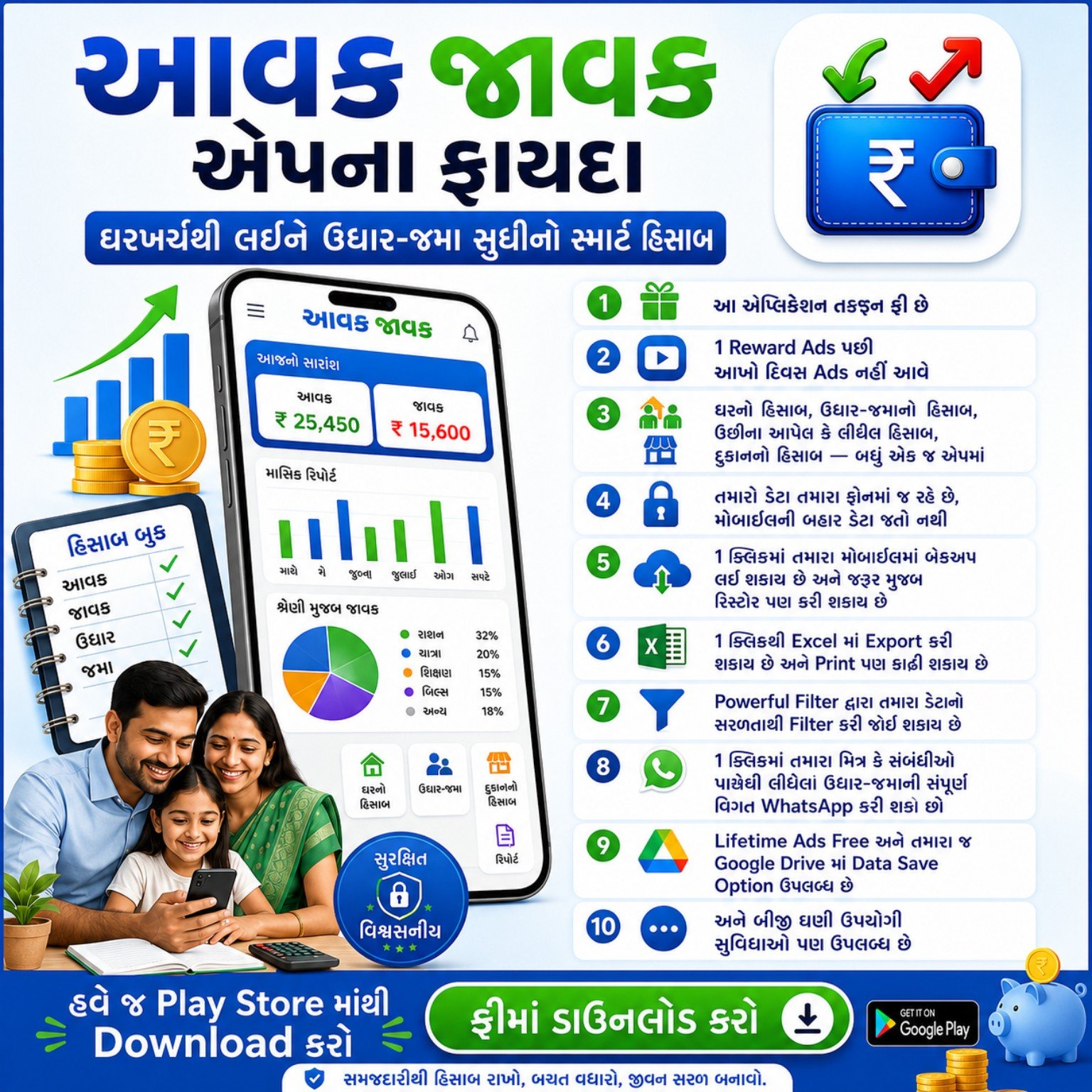
Aavak Javak App income expense and account management features
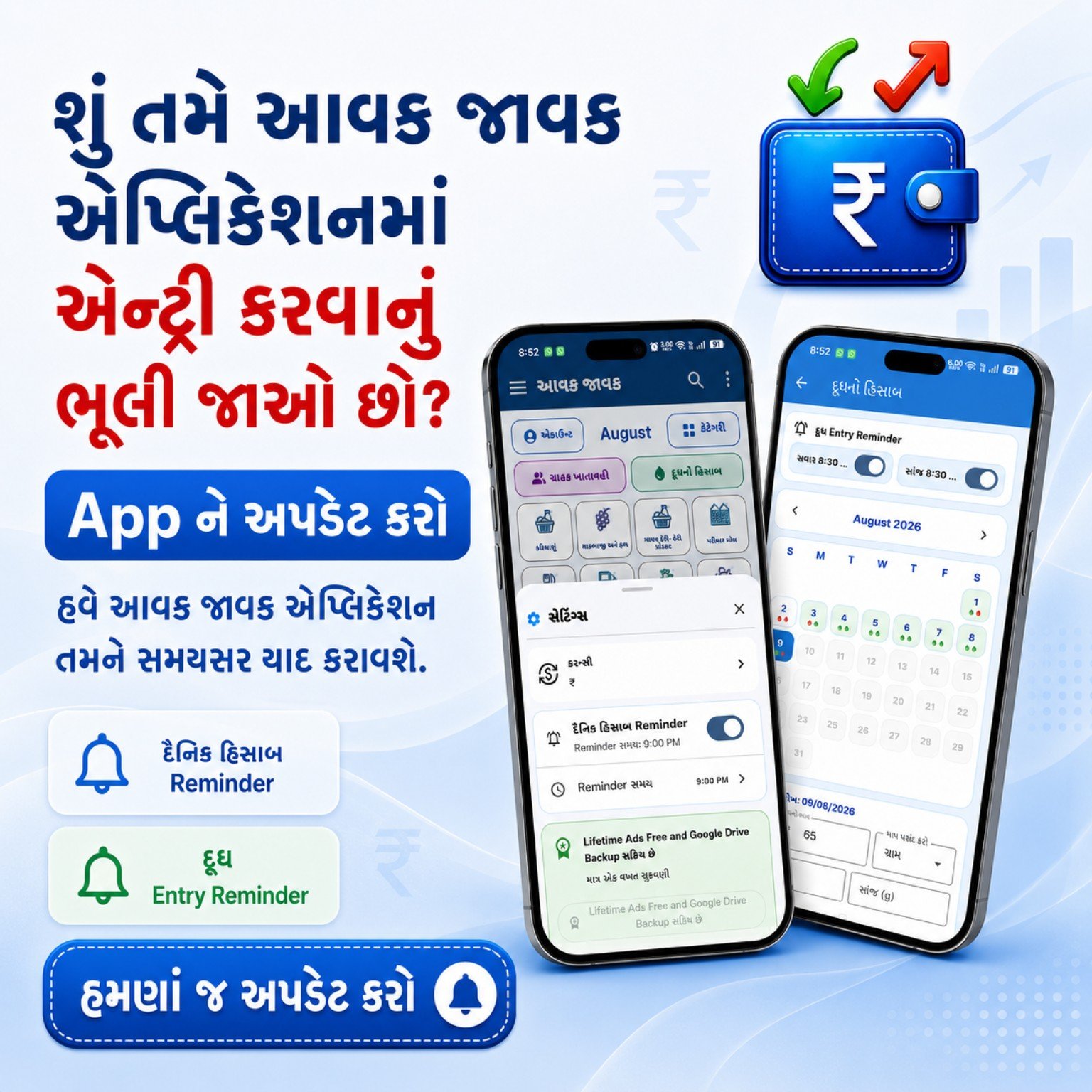
Aavak Javak daily income expense reminder feature
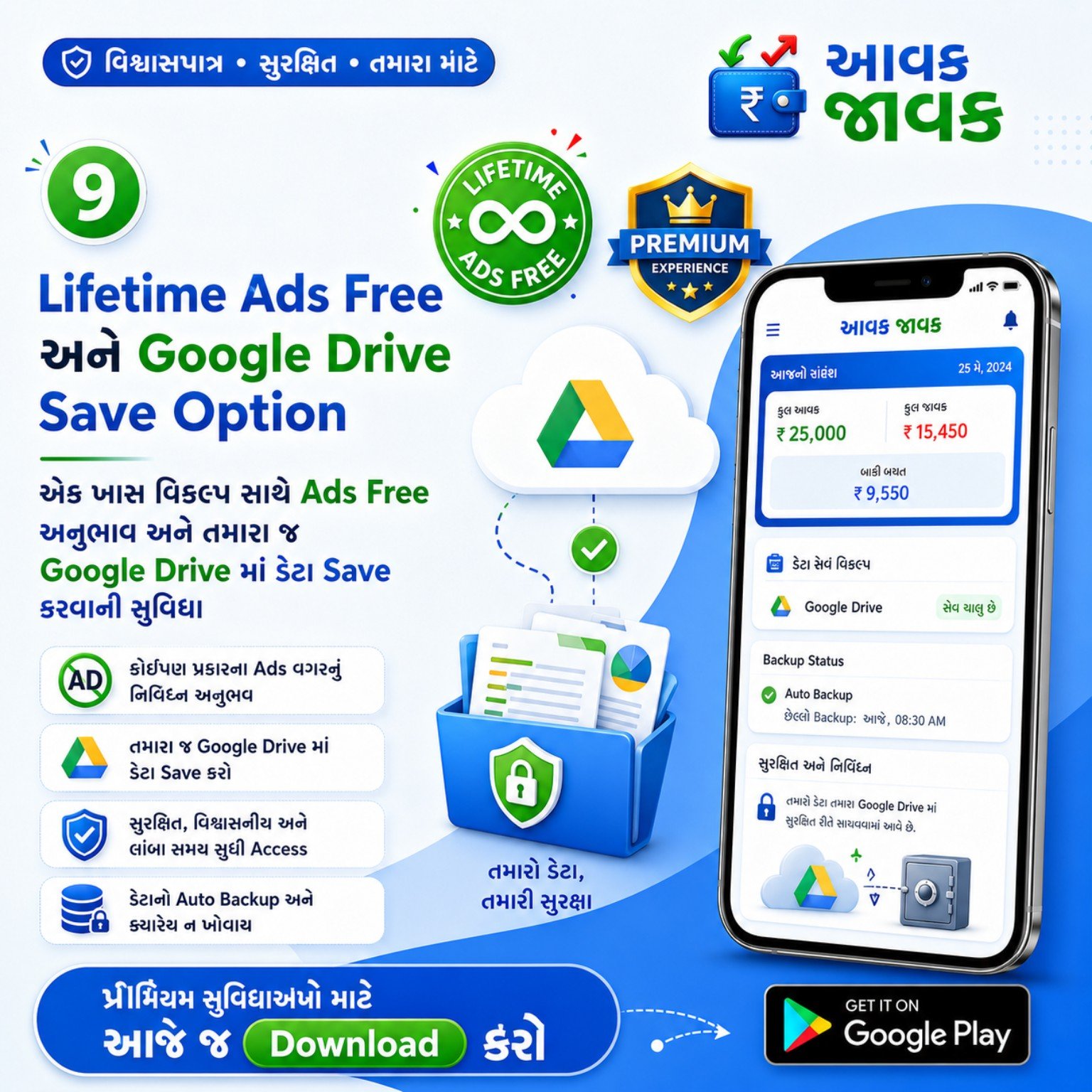
Aavak Javak Google Drive backup feature
1 AppFor all your daily account needs
10+Useful benefits and features
3 LanguagesEnglish, Hindi and Gujarati
24×7Access your records anytime
👑 Lifetime Premium Offer

Lifetime Premium — only ₹499

Pay once and permanently unlock premium features.

₹1999 ₹499 One-time Lifetime purchase
🔥 Limited Time Offer: Lifetime Premium only ₹499 — offer ends soon, after that price will be ₹1999.
🚫Lifetime Ads Free
☁️Google Drive Backup
💾Complete Local Backup
♻️Complete Backup Restore
📊Excel Export & Download

Premium is a one-time purchase. Google login is used for purchase verification/restore, while your accounting records stay on your device by default.

Refer & Earn

Share your link, help a new user and earn a referral reward

A secure referral link connects the new user to your code. The same Google or Apple account must be used on the referral page and in the Aavak Javak App.

1

Share your personal Referral Link

Open Refer & Earn in the App and share your own code/link with a genuinely new user.

2

The new user signs in securely

The referral page accepts only Google or Apple sign-in. No manual account or password is created.

3

Use the same account in the App

After installation, the new user signs in with the same account. The code is fetched automatically and locked once.

Welcome Bonus

The eligible new user receives the Welcome Bonus after a valid referral is linked.

3-day Referral Reward

After 3 valid activity days are completed, the configured reward is added automatically to the referrer's available wallet.

Server-time security

Mobile time changes do not count. Self-referral, duplicate account and suspicious activity checks are applied.

How the rolling 3-day activity is counted

Day 1 starts with the first valid income or expense entry. The next valid entry must be at least 24 but less than 48 server-hours later. A gap of 48 hours or more restarts the count from Day 1; the user can then complete a fresh 3-day streak.
Personal A4 QR Poster

Turn your Referral Link into a shop-ready poster

Your referral page creates a one-page A4 PDF with your name, code, personal QR and official store badges.

Aavak Javak Aavak Javak A4 • 300 DPI

Scan, join and start keeping better accounts

A personal QR is generated from your own Referral Link.

Your personal QR appears here
YOUR REFERRAL CODE
Color Black & White Download A4 PDF
1Open Refer & Earn in the App
2Open your personal Referral Link
3Choose a style and download the PDF

Welcome Bonus and referral reward values are controlled by the active Admin Panel offer. Eligibility is decided securely by the server.

Core features

Everything you need to manage money better

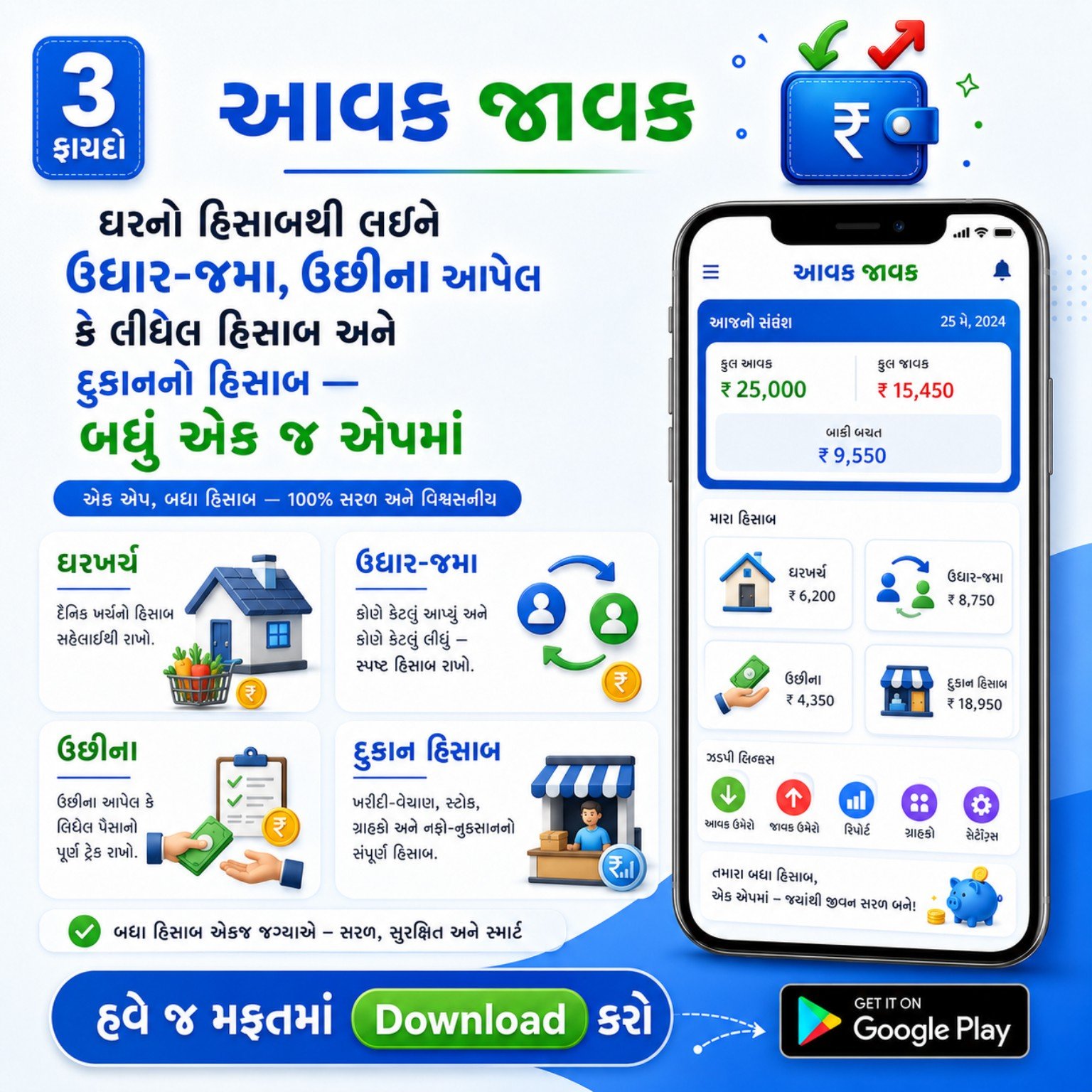
From home expenses to business-style records, Aavak Javak gives you practical tools that are simple, fast and easy to understand.

🏠

Home Account

Track daily income and expenses of your household with clear totals and easy category-based entry.

🤝

Udhar-Jama

Keep proper records of money taken from or given to relatives, friends or customers.

🥛

Milk Entry Reminder

Record morning and evening milk entries and get reminders on time so nothing is missed.

🏪

Shop Account

Useful for basic sales, purchase, stock-related records and day-to-day shop management.

📊

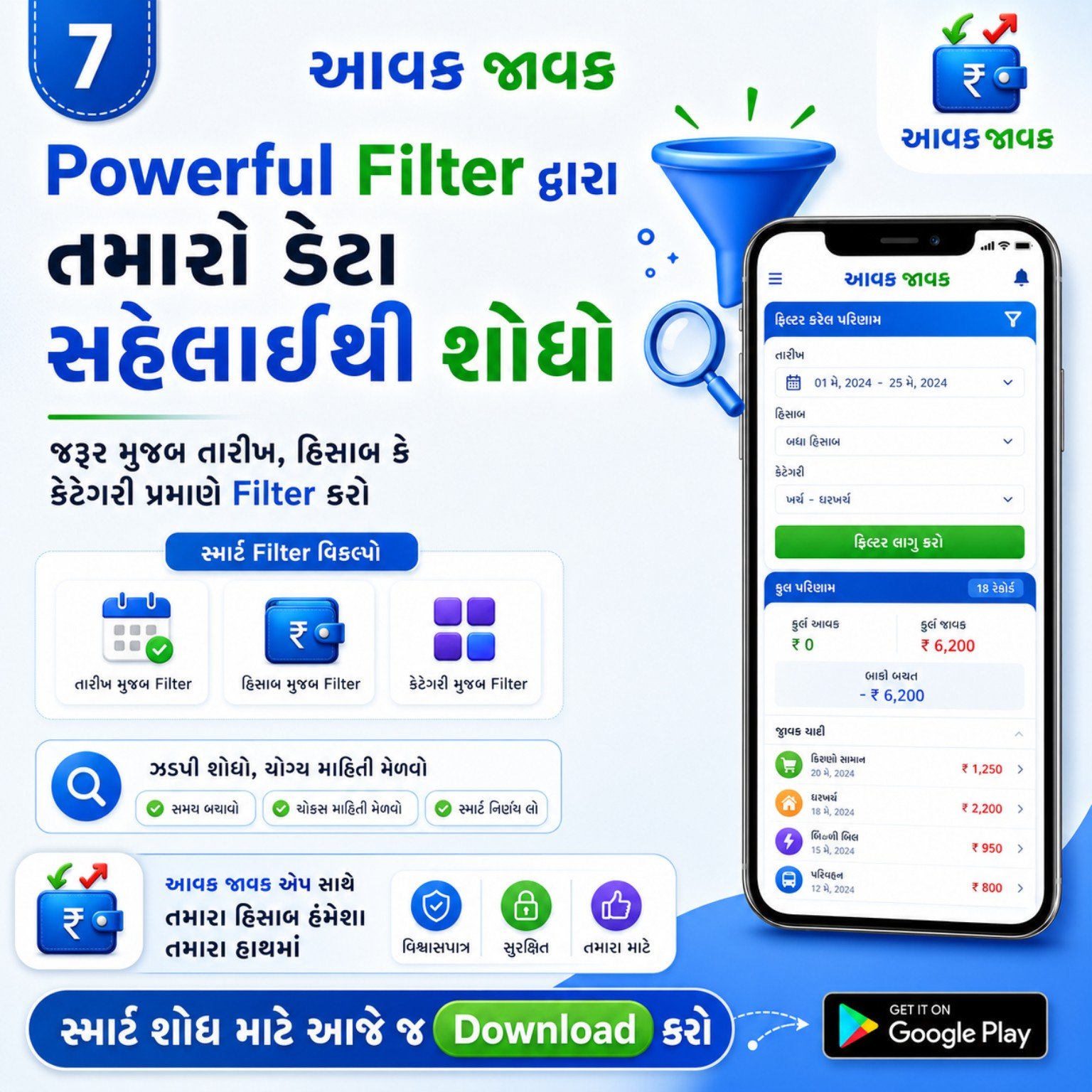
Reports & Filters

Find records by date, category or account type and understand your spending through smart reports.

📤

Excel Export & Print

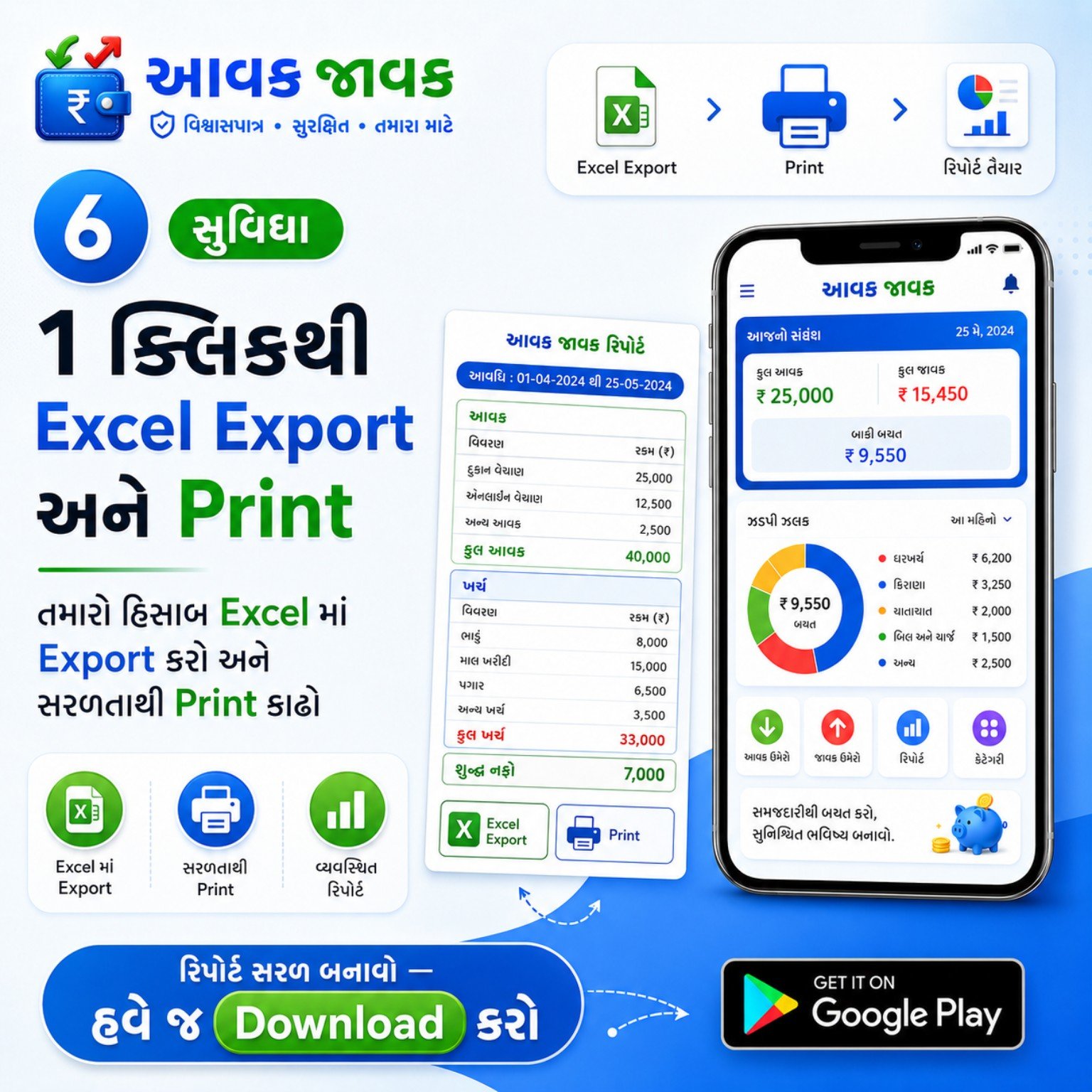
Export data to Excel, print reports and keep business-like documentation of your records.

💬

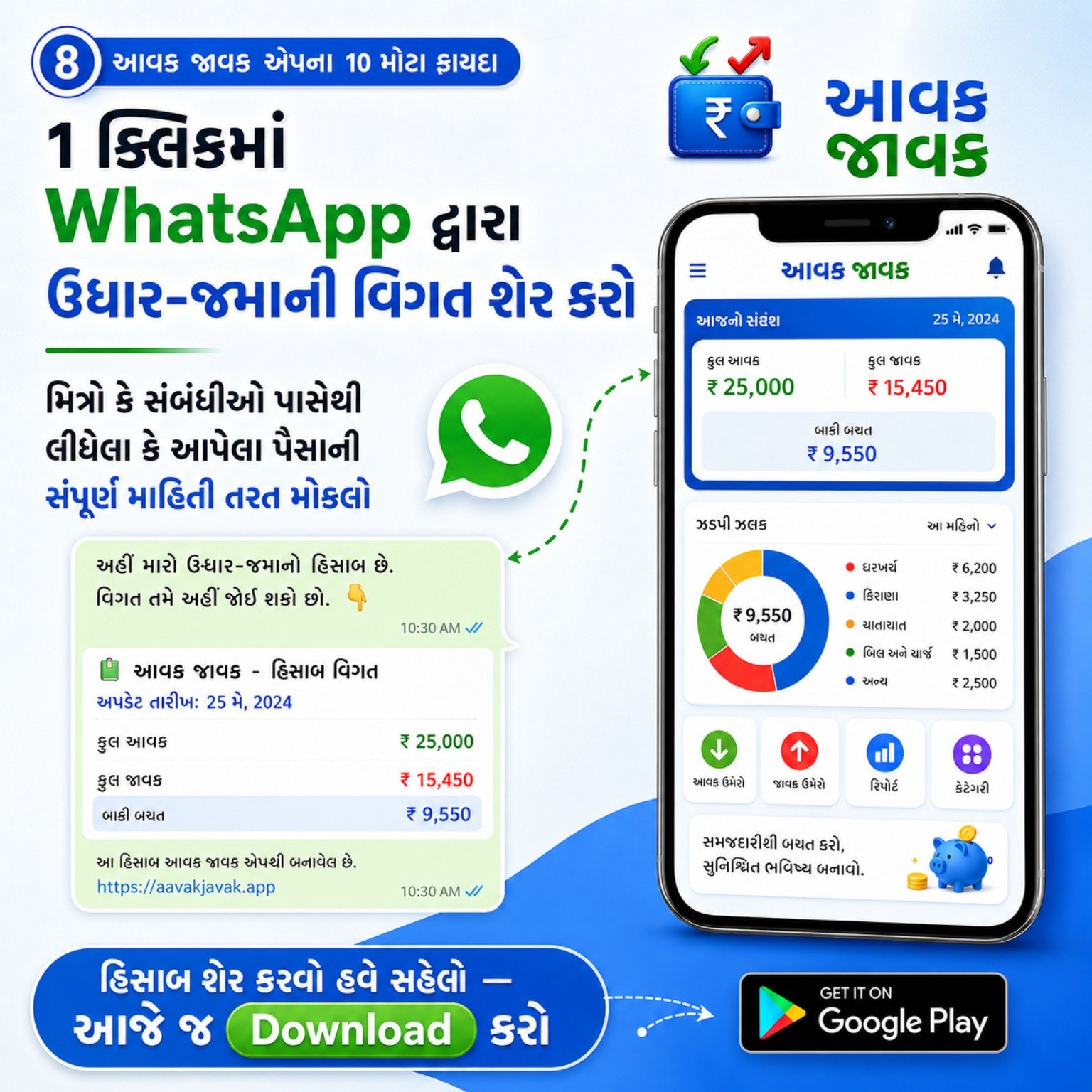
WhatsApp Sharing

Share udhar-jama details quickly on WhatsApp to send transparent information instantly.

☁️

Google Drive Backup

Keep optional backup in your Google Drive with premium support for safety and peace of mind.

Step by step guide

How to use the Aavak Javak app

New users can get started quickly with these simple steps.

1

Install the app

Download Aavak Javak from Google Play Store and open the app.

2

Choose your account type

Use home account, udhar-jama, milk entry or shop account as per your need.

3

Add income and expense entries

Save daily transactions category-wise to keep an accurate record.

4

Set reminders

Turn on daily reminder and milk entry reminder so you never forget updates.

5

View smart reports

Check totals, charts and filters to understand where your money is going.

6

Share or print when needed

Share udhar-jama details on WhatsApp or export reports to Excel and print them.

7

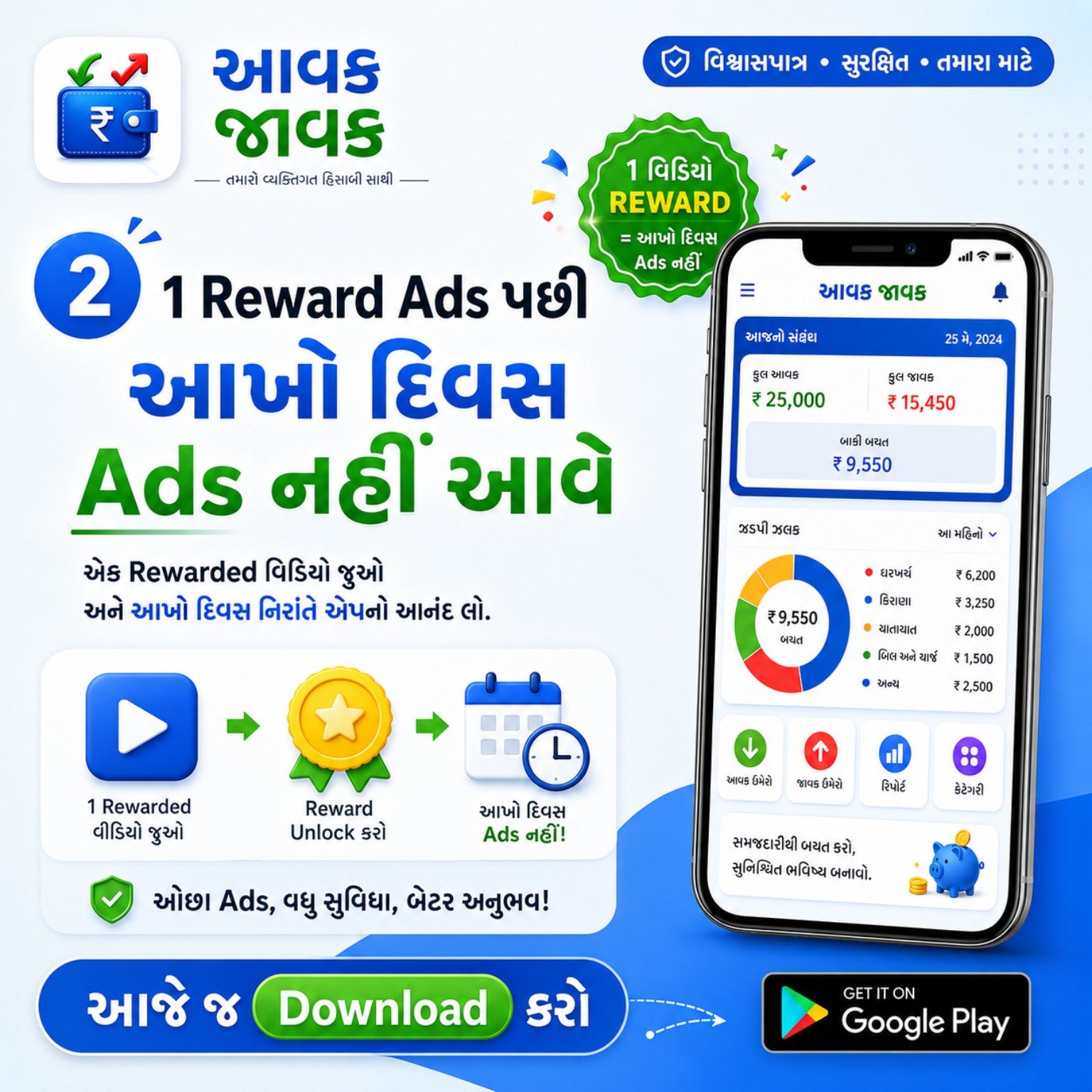
Watch 1 reward ad

Watch one reward ad and enjoy the day without regular ads.

8

Use backup for safety

If you choose premium backup, save important data in Google Drive for future restore.

Why users love it

Practical benefits for daily life and small business use

Aavak Javak is designed for real users who want simplicity, visibility and trust while managing money.

  • Keep all important account records in one place.
  • Avoid forgotten entries with useful reminders.
  • Understand expenses and savings with reports.
  • Share udhar-jama details instantly via WhatsApp.
  • Export and print when you need hard copies.
  • Enjoy safer usage with local data storage and backup options.

Best for

Families Shop owners Milk records Udhar-jama Daily accounting Simple reports

“A clean and useful app to manage daily हिसाब. The reminder and report system make it very practical.”

Useful for everyday accounting
Questions

Frequently asked questions

Quick answers for new users.

Is Aavak Javak free to use?

Yes. The app is free to use, and you can unlock an ads-free day by watching one reward ad. Some premium backup-related options may be separate.

What can I manage in this app?

You can manage home income-expense, udhar-jama, milk entries, shop accounts, reports, reminders, sharing and export options.

Can I export my records?

Yes. You can export reports to Excel and also print them when needed.

Is my data safe?

The app is designed so your important accounting data stays on your phone, and optional Google Drive backup is available for supported use cases.

How can I contact for support?

For support or questions, contact only through WhatsApp on 7698660366.

How does Refer & Earn work?

Share your personal Referral Link. The new user signs in with Google or Apple and uses the same account in the App. The server links the code once and applies the active reward rules.

How can I download my A4 Referral Poster?

Open your personal Referral Link from Refer & Earn, scroll to the poster, choose Color or Black & White and download the one-page A4 PDF.

Support & Contact

Need help or want more details about the app?

Message on WhatsApp for app details, usage guidance, support or download help.

WhatsApp